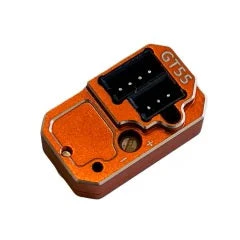
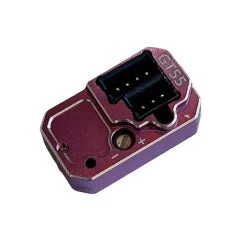
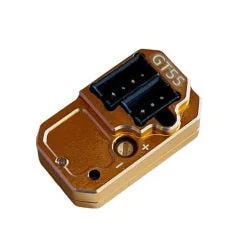
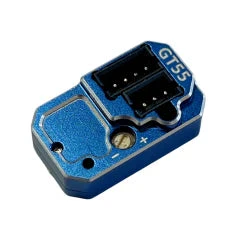
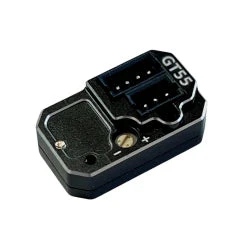
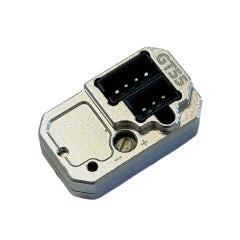
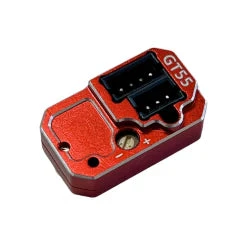
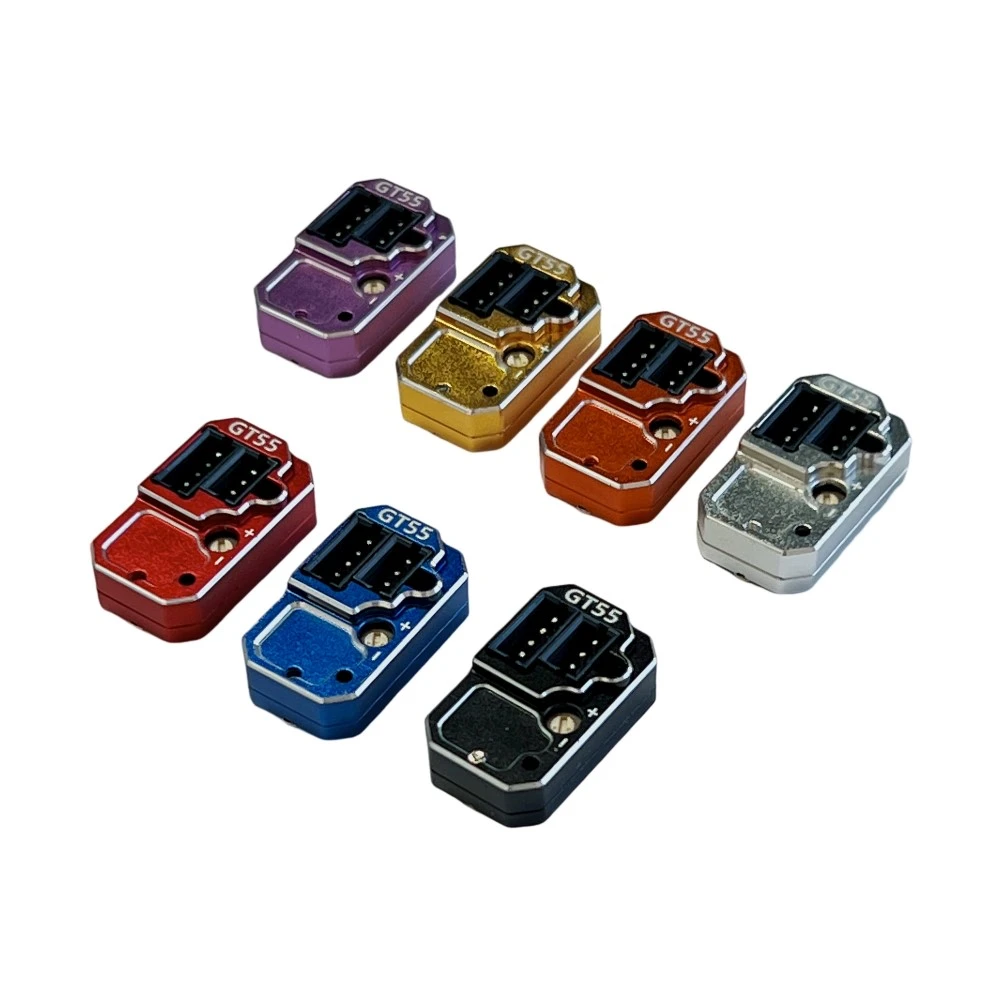
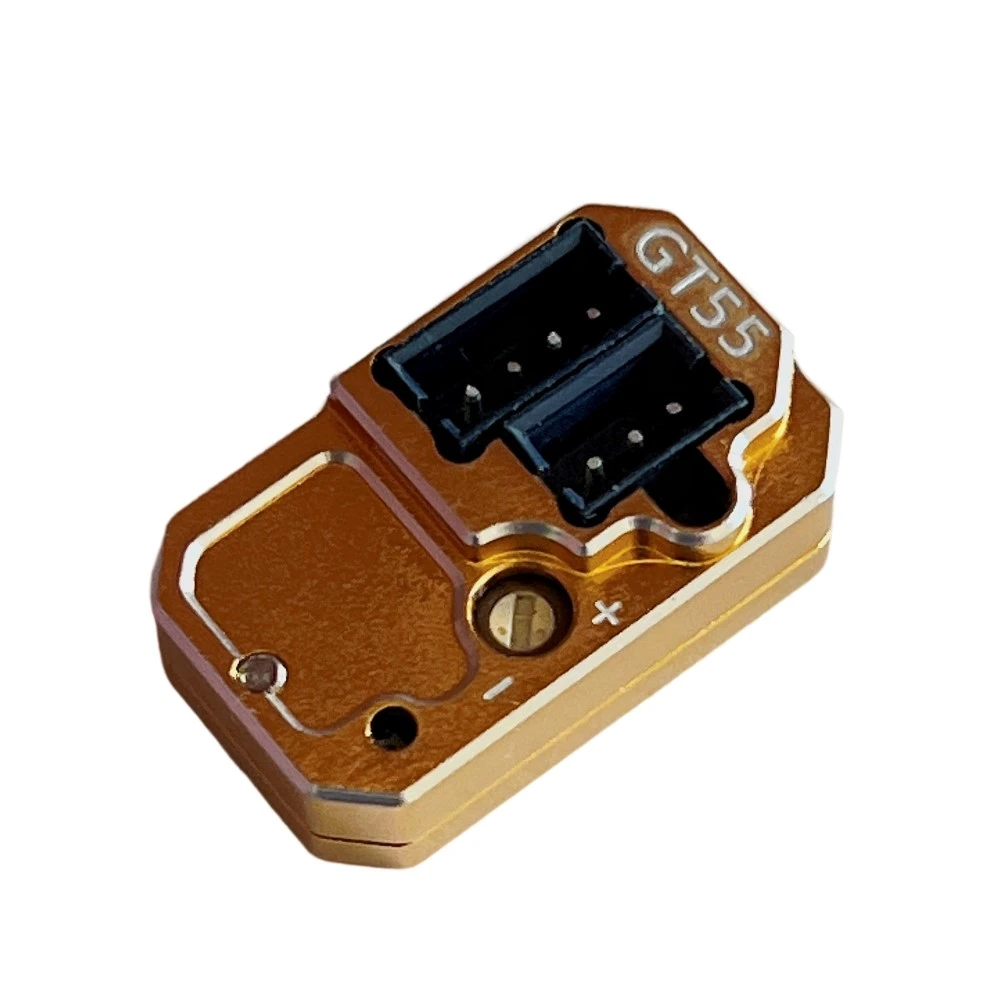
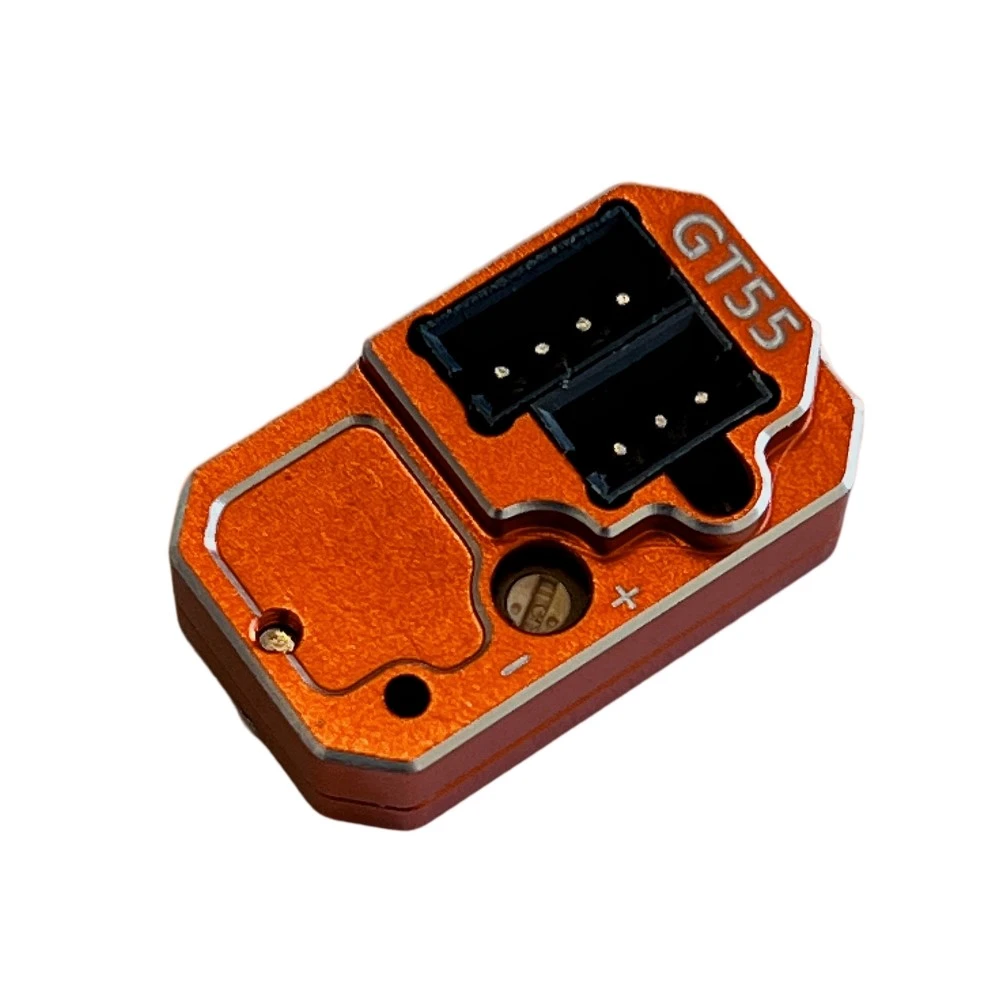
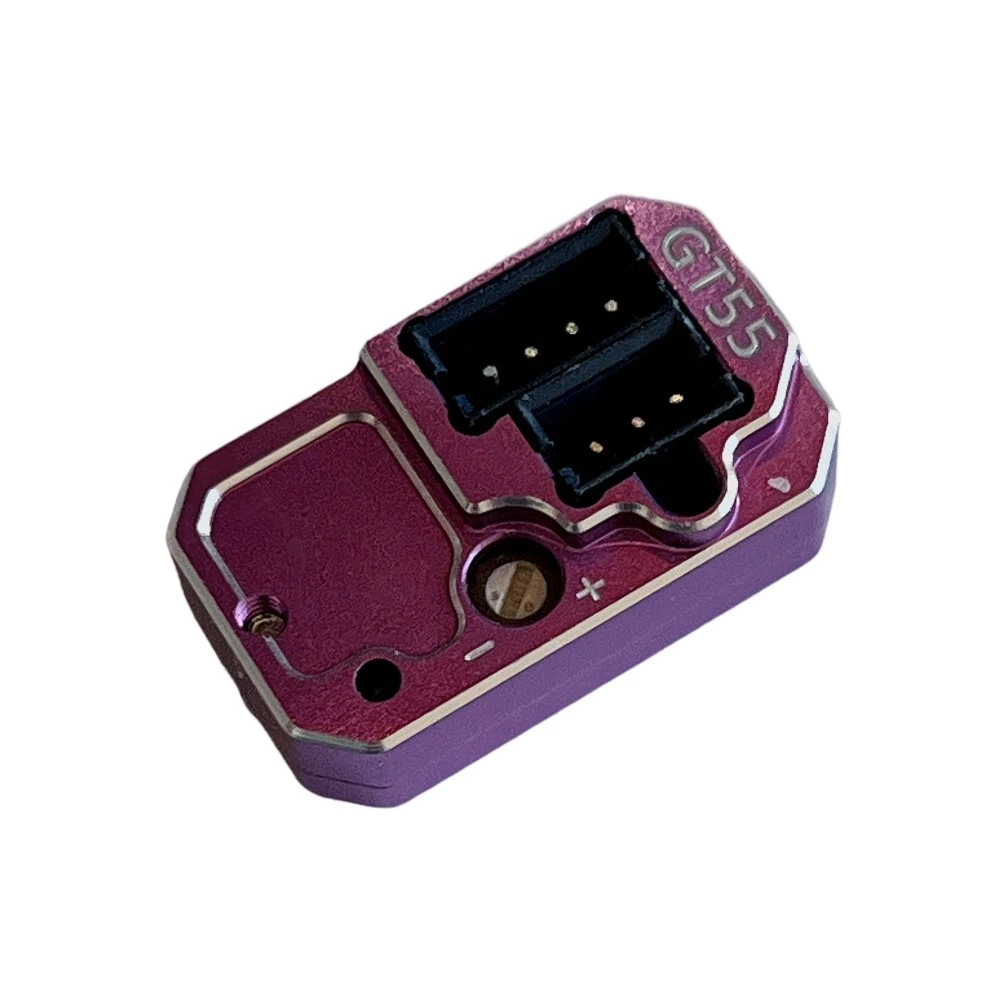
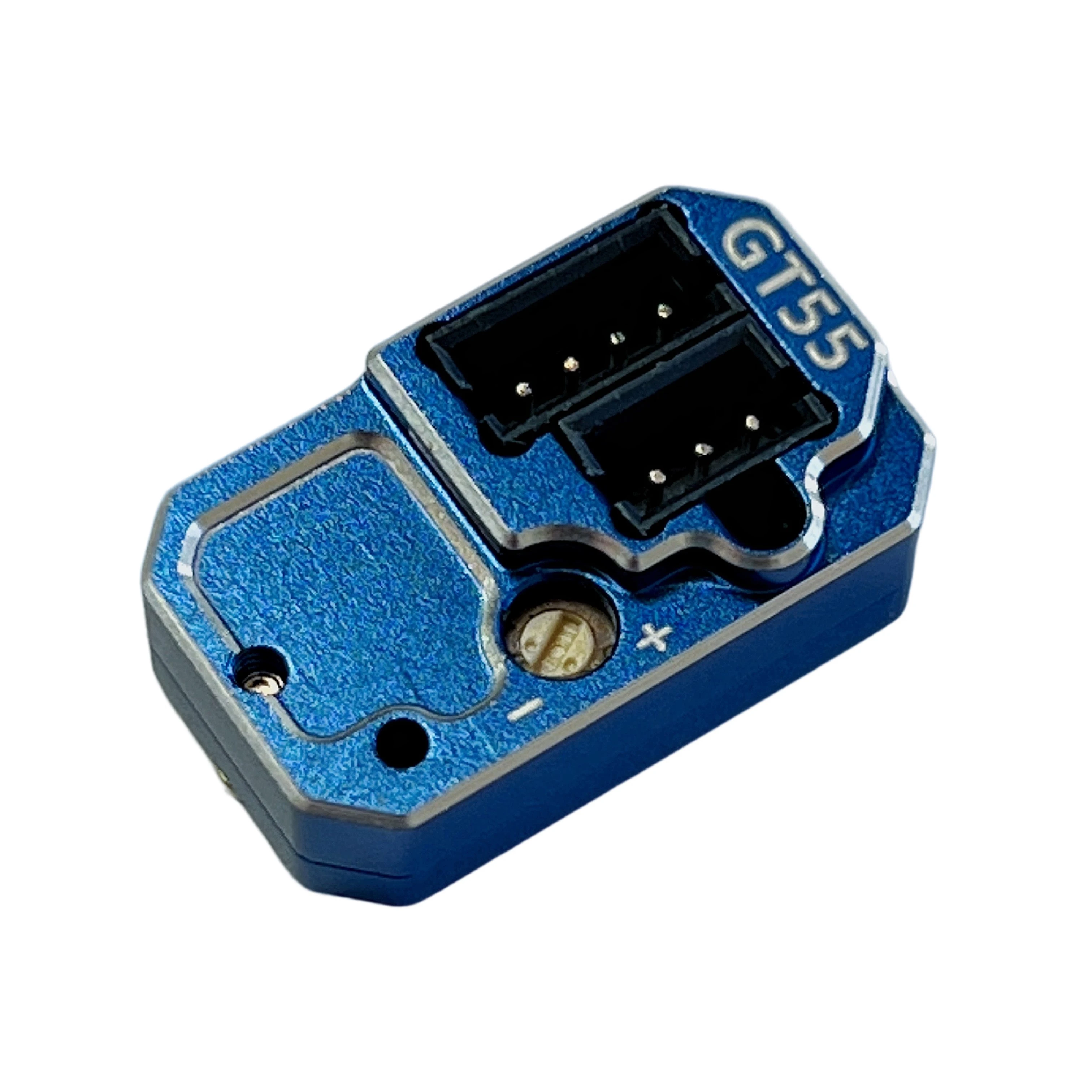
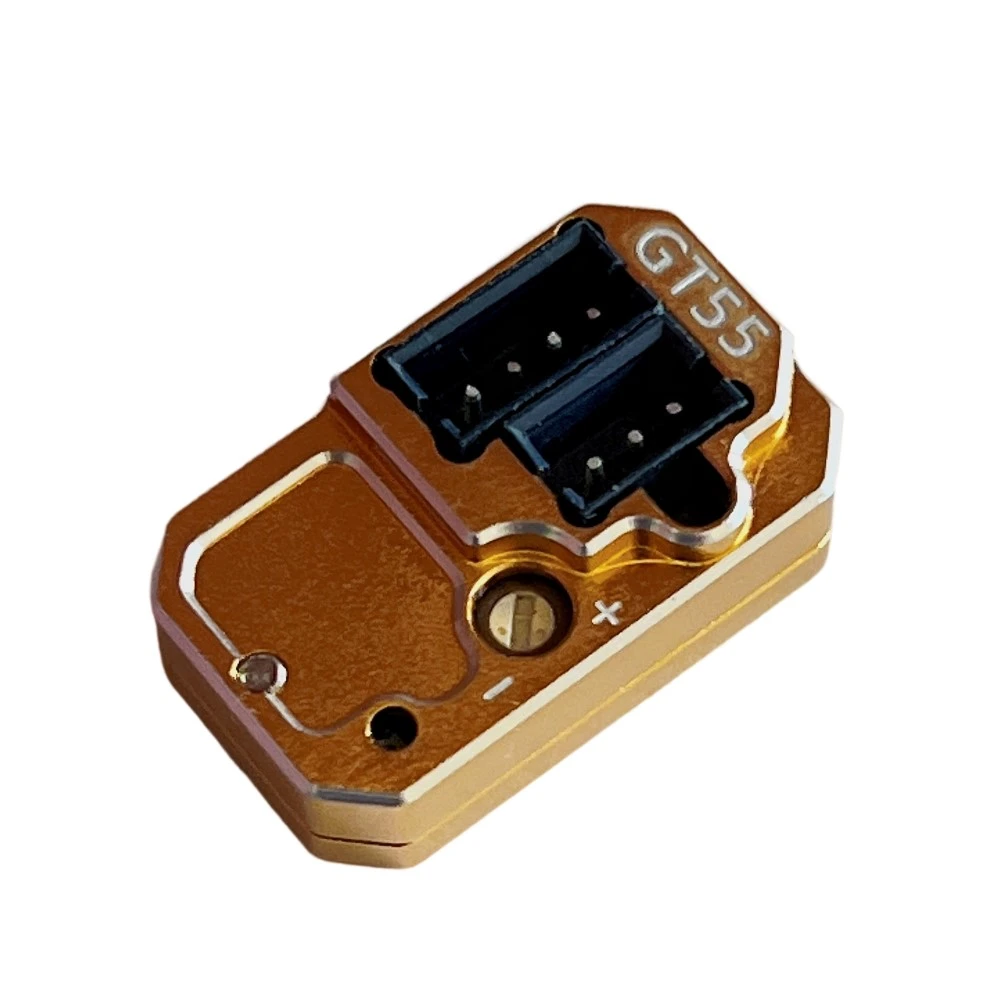
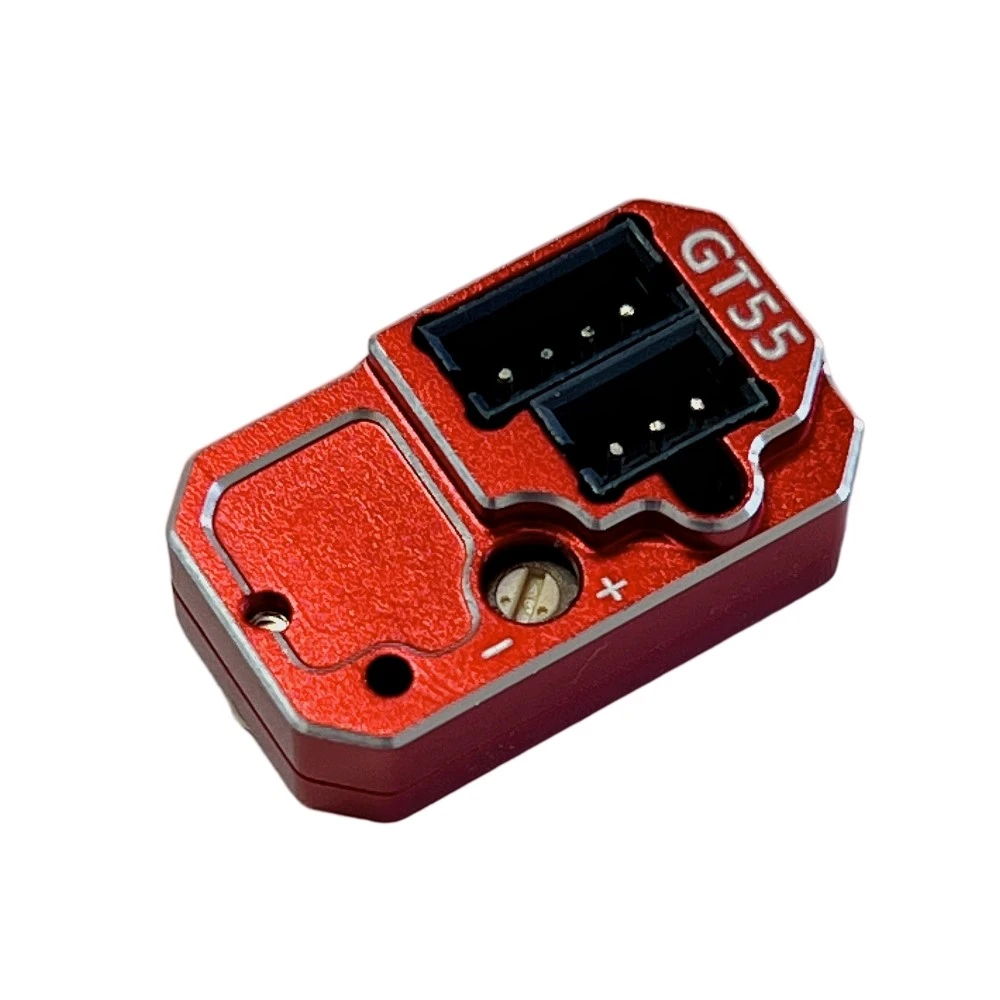
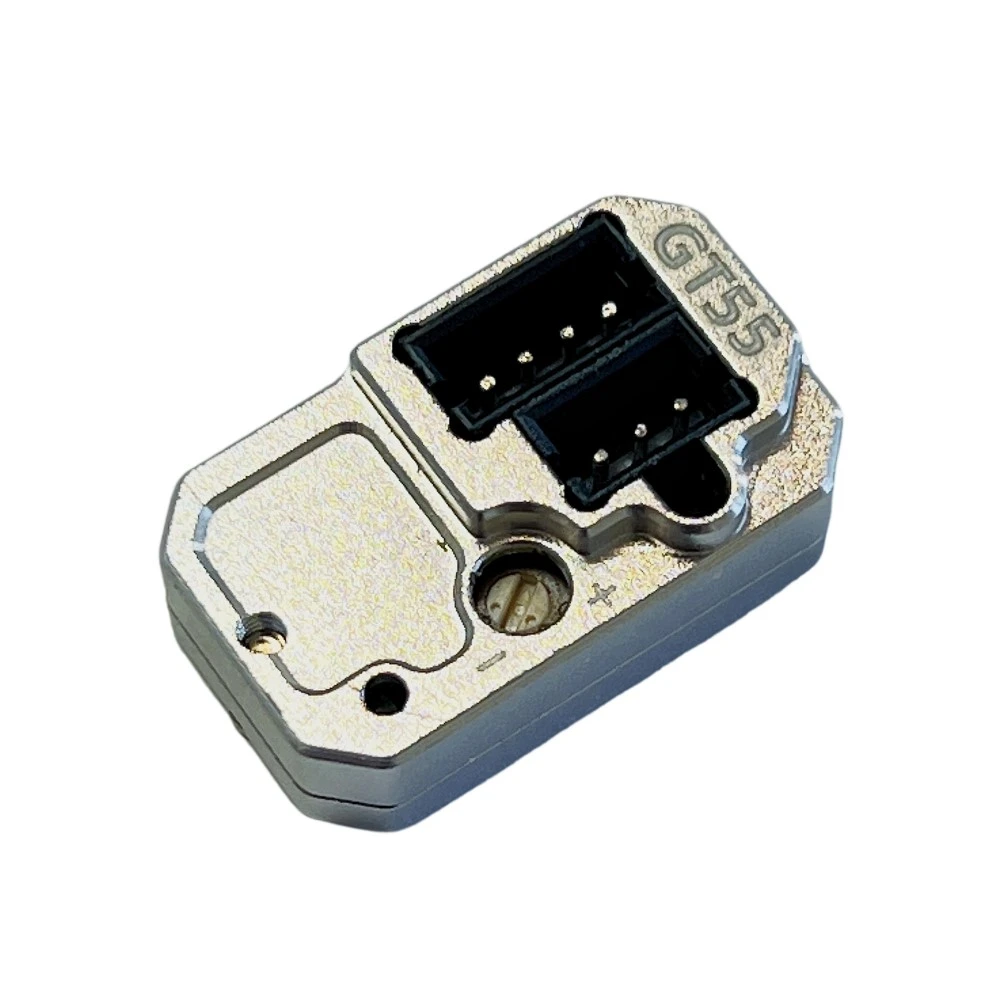
GT55 Racing Gyro V4 For 1/24 1/28 Drift Car
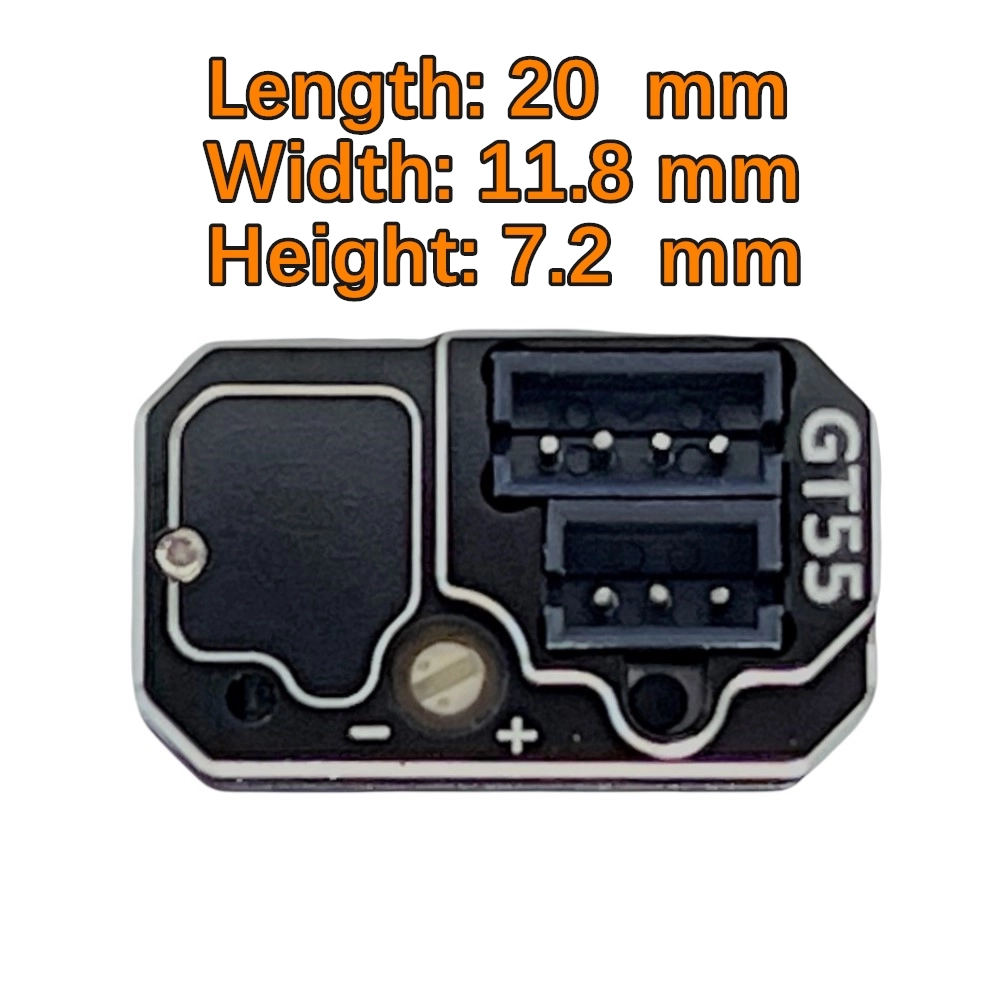
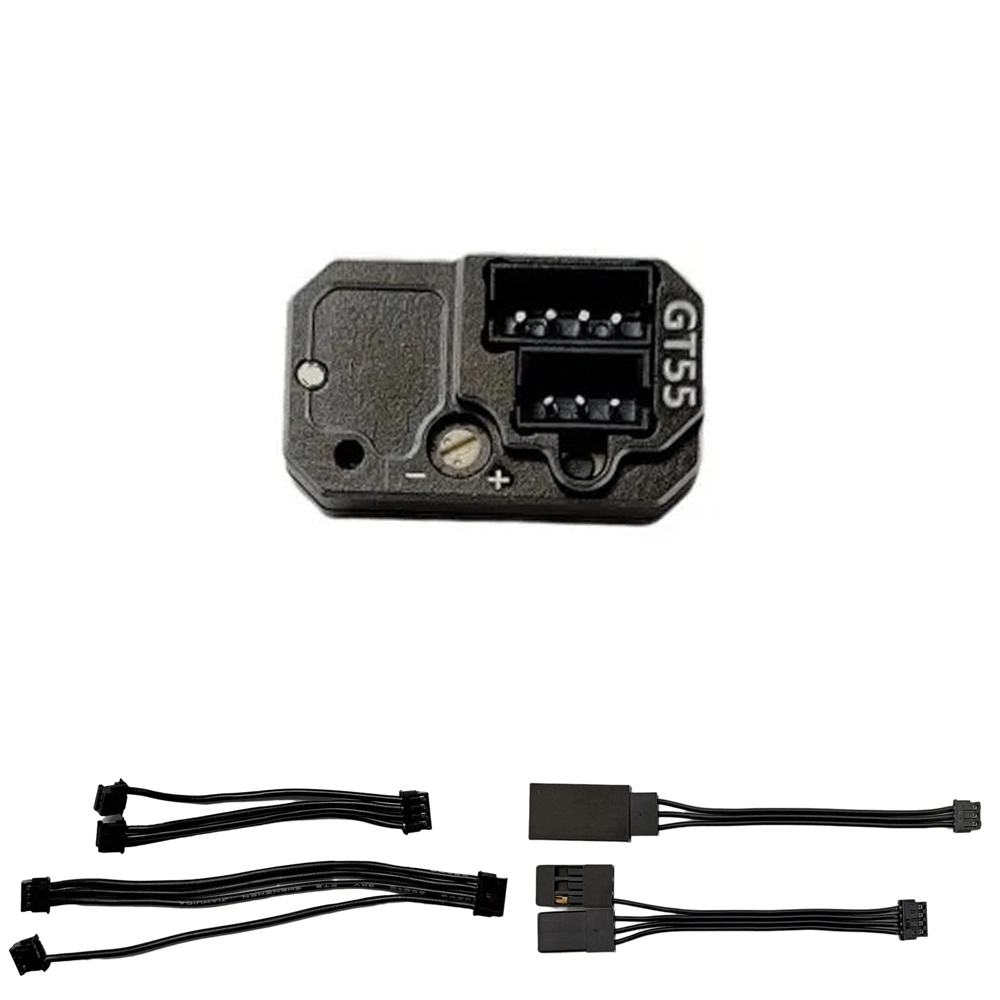
SERVO: Connect to the servo.
Receiver:
-
Connect to the receiver's servo channel (CH1).
-
Connect to the receiver's control channel (CH3) or leave it unconnected.
Gyro Sensitivity Control:
-
When the gyro sensitivity wire is connected to CH3 on the receiver:
-
The gyro sensitivity is controlled by the CH3 value, which can be adjusted on the transmitter.
-
When the CH3 value is set to 0%, the sensitivity is zero (gyro is inactive).
-
Adjust the CH3 value between -100% and 100% to control sensitivity.
-
Different sensitivity curves are provided for -100% and 100% CH3 values.
-
The gyro offers two optimized sensitivity curves for drift control:
-
-100% to 0%: High sensitivity (Expert mode, fast response).
-
0% to 100%: Low sensitivity (Beginner mode, slower response, slower servo centering).
-
-
-
When the CONTROL channel is not connected:
-
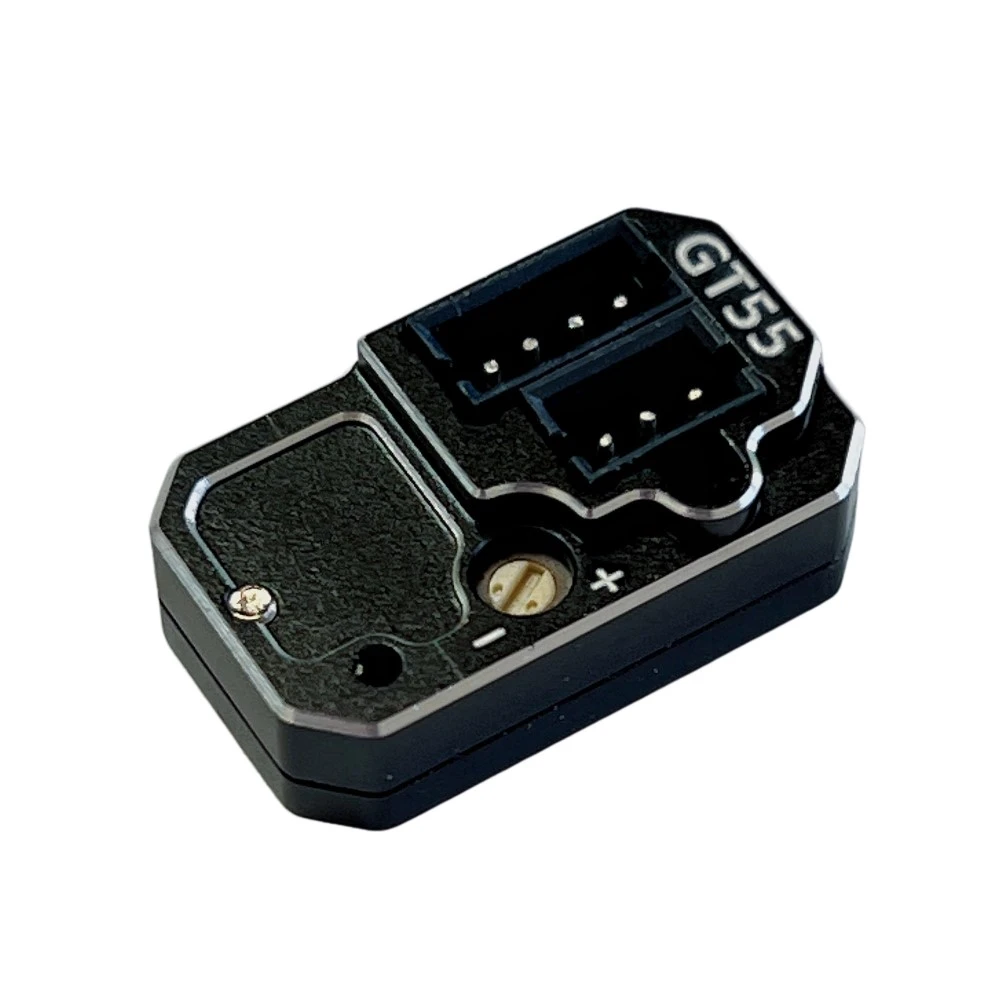
The gyro sensitivity is controlled by the VR (Variable Resistor).
-
When the VR is in the neutral position, sensitivity is zero.
-
Rotating the VR to the left or right increases sensitivity up to 100%.
-
The gyro provides two optimized sensitivity curves for drift control:
-
-100% to 0%: Expert mode, extremely fast response, not suitable for beginners.
-
0% to +100%: Normal mode, moderate response, recommended for most users.
-
-
Recommendation: Adjust the CH3 travel or VR sensitivity between 35% and 60%.
Gyro EPA Adjustment:
-
Forward EPA Setting:
-
First, adjust the EPA (End Point Adjustment) for left and right steering on the transmitter.
-
Press the gyro's "SETUP" button, then turn on the ESC power switch.
-
The gyro LED will flash in the following sequence: one flash → slow flash → fast flash → slow flash. Release the setup button after the slow flash (wait 2 seconds to ensure entering setup mode).
-
Turn the transmitter to the left EPA position (fully left) and hold for a few seconds. The gyro will save the left EPA position, and the servo will return to the center.
-
Turn the transmitter to the right EPA position (fully right) and hold for a few seconds. The gyro will save the right EPA position, and the servo will return to the center. The setup is now complete.
-
-
Reverse EPA Setting:
-
Press the gyro's "SETUP" button, then turn on the ESC power switch.
-
The gyro LED will flash in the following sequence: one flash → slow flash → fast flash → slow flash. Release the setup button after the slow flash (wait 2 seconds to ensure entering setup mode).
-
Turn the transmitter to the right EPA position (fully right) and hold for a few seconds. The gyro will save the right EPA position, and the servo will return to the center.
-
Turn the transmitter to the left EPA position (fully left) and hold for a few seconds. The gyro will save the left EPA position, and the servo will return to the center. The setup is now complete.
-
Recommendation: Adjust the CH3 travel sensitivity between 35% and 60%.
Resetting the GT55 Gyro:
If the servo is jittering and the gyro is not functioning properly:
-
Press and hold the gyro's "SETUP" button, then turn on the ESC power switch.
-
The red LED will flash, then flash rapidly, and finally flash slowly until it stays lit (hold the button for about 40 to 60 seconds).
-
-
Turn off the ESC power and then turn it back on. The gyro will reset and restart.
Original: $36.90
-65%$36.90
$12.91Product Information
Product Information
Shipping & Returns
Shipping & Returns
Description
SERVO: Connect to the servo.
Receiver:
-
Connect to the receiver's servo channel (CH1).
-
Connect to the receiver's control channel (CH3) or leave it unconnected.
Gyro Sensitivity Control:
-
When the gyro sensitivity wire is connected to CH3 on the receiver:
-
The gyro sensitivity is controlled by the CH3 value, which can be adjusted on the transmitter.
-
When the CH3 value is set to 0%, the sensitivity is zero (gyro is inactive).
-
Adjust the CH3 value between -100% and 100% to control sensitivity.
-
Different sensitivity curves are provided for -100% and 100% CH3 values.
-
The gyro offers two optimized sensitivity curves for drift control:
-
-100% to 0%: High sensitivity (Expert mode, fast response).
-
0% to 100%: Low sensitivity (Beginner mode, slower response, slower servo centering).
-
-
-
When the CONTROL channel is not connected:
-
The gyro sensitivity is controlled by the VR (Variable Resistor).
-
When the VR is in the neutral position, sensitivity is zero.
-
Rotating the VR to the left or right increases sensitivity up to 100%.
-
The gyro provides two optimized sensitivity curves for drift control:
-
-100% to 0%: Expert mode, extremely fast response, not suitable for beginners.
-
0% to +100%: Normal mode, moderate response, recommended for most users.
-
-
Recommendation: Adjust the CH3 travel or VR sensitivity between 35% and 60%.
Gyro EPA Adjustment:
-
Forward EPA Setting:
-
First, adjust the EPA (End Point Adjustment) for left and right steering on the transmitter.
-
Press the gyro's "SETUP" button, then turn on the ESC power switch.
-
The gyro LED will flash in the following sequence: one flash → slow flash → fast flash → slow flash. Release the setup button after the slow flash (wait 2 seconds to ensure entering setup mode).
-
Turn the transmitter to the left EPA position (fully left) and hold for a few seconds. The gyro will save the left EPA position, and the servo will return to the center.
-
Turn the transmitter to the right EPA position (fully right) and hold for a few seconds. The gyro will save the right EPA position, and the servo will return to the center. The setup is now complete.
-
-
Reverse EPA Setting:
-
Press the gyro's "SETUP" button, then turn on the ESC power switch.
-
The gyro LED will flash in the following sequence: one flash → slow flash → fast flash → slow flash. Release the setup button after the slow flash (wait 2 seconds to ensure entering setup mode).
-
Turn the transmitter to the right EPA position (fully right) and hold for a few seconds. The gyro will save the right EPA position, and the servo will return to the center.
-
Turn the transmitter to the left EPA position (fully left) and hold for a few seconds. The gyro will save the left EPA position, and the servo will return to the center. The setup is now complete.
-
Recommendation: Adjust the CH3 travel sensitivity between 35% and 60%.
Resetting the GT55 Gyro:
If the servo is jittering and the gyro is not functioning properly:
-
Press and hold the gyro's "SETUP" button, then turn on the ESC power switch.
-
The red LED will flash, then flash rapidly, and finally flash slowly until it stays lit (hold the button for about 40 to 60 seconds).
-
-
Turn off the ESC power and then turn it back on. The gyro will reset and restart.